
 English
 Arabic
 Chinese (Simplified)
 Dutch
Dutch French
 German
 Italian
 Portuguese
 Russian
 Spanish
Online course writers are no strangers to this issue. They can use AI to speed up the creation of the first draft, but when they narrate the AI-generated material, it’ll sound like auto-reading a Wikipedia article. The learner is lost. The voice actor is challenged with delivering the words at the correct pace. The instructional designer has to send it back.
Script writers for eLearning find themselves in a peculiar in-between space. They need content that’s technically correct, has the appropriate pacing for delivery via audio, and is engaging enough to keep the learner interested for 20 minutes. AI drafts typically don’t meet these three criteria. This is where AI humanizer tools come into play. AI humanizers are tools created to take AI-generated text and make it sound as if it was written or said by a living, breathing person.
This list provides the best AI humanizers for eLearning script writers in 2026 based on how well they address the specific requirements of learner-facing, narration-ready content.

What We Looked For
Most tools were designed for writing essays and blog posts, not scripts. The factors in the rankings include:
- Readability of narration: How much does it sound like it was written by a person when you read it out loud? Is it short sentence structure, varying rhythms, not a bunch of long clauses stacked together?
- Ability to be tone controlled: Can the tool create both conversational/warm tones and formal/professional tones? eLearning scripts will require both.
- Preservation of meaning: Instructional content needs to remain true to its original form. This means the best tool is one that preserves the meanings of instructional concepts. Any tool that changes the conceptual meaning of an instructional concept is far from helpful.
- Cleanliness (detector bypass): More LMS vendors and learning development platforms are detecting AI-generated content. Tools that produced clean results through GPTZero and Turnitin were ranked higher than others.
- Ease of use: Script writers typically work at a rapid pace. The ease of use of the tool, whether it’s a simple, user-friendly experience, influenced the rankings.
How to Avoid Mistakes When Writing in English
The Tools
Here’s a quick look at everything covered in this list before we get into the detail.
| # | Tool | Best For | Free Option |
| 1 | Walter Writes AI | Full humanization for narration scripts | Yes |
| 2 | AI Humanizer (aihumanizer.so) | Quick free passes, no account needed | Yes (3x/day) |
| 3 | Grammarly AI Humanizer | Writers already in the Grammarly ecosystem | Limited |
| 4 | Ahrefs AI Humanizer | SEO-adjacent content teams | Yes |
| 5 | Surfer SEO Humanizer | Content-SEO hybrid workflows | Limited |
| 6 | Writesonic Humanizer | Teams using Writesonic already | Yes |
| 7 | Jasper Paraphraser | Enterprise content operations | No |
| 8 | Quillbot Humanizer | Budget-conscious individual writers | Yes |
Best AI Humanizers for eLearning Script Writers
eLearning scripts are a specific beast. The best humanizer for a blog post won’t necessarily be the best one for a course module narration. The picks below were chosen with that in mind.
Easily Learn Active Writing Skills for Professionals
1. Walter Writes AI: Best Overall for eLearning Script Writers
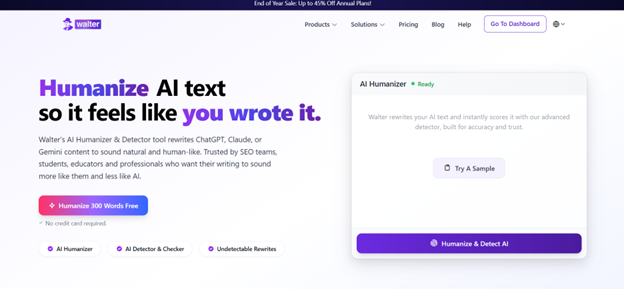
Walter Writes AI is the strongest all-around choice for eLearning script writers. It was built specifically for humanizing AI-generated text, and the output holds up in narration scenarios better than most competitors.
The platform rewrites for varied sentence rhythm, reduced AI phrasing patterns, and natural flow. All things that matter when a voice actor or text-to-speech engine is reading your script line by line. It supports 80+ languages and auto-detects the language of your input, which is useful for multilingual course content.
Walter’s humanizer is consistently cited as one of the few tools that passes both Turnitin and GPTZero without making the text feel over-edited or flat. For script writers producing high volumes of content, that consistency matters.
- Best for: Instructional designers, freelance script writers, L&D teams
- Core service: AI humanization, paraphrasing, AI detection, resume rewriting
- Free plan: Yes
- Website:ai
2. HumanizeAI: Best Free Option
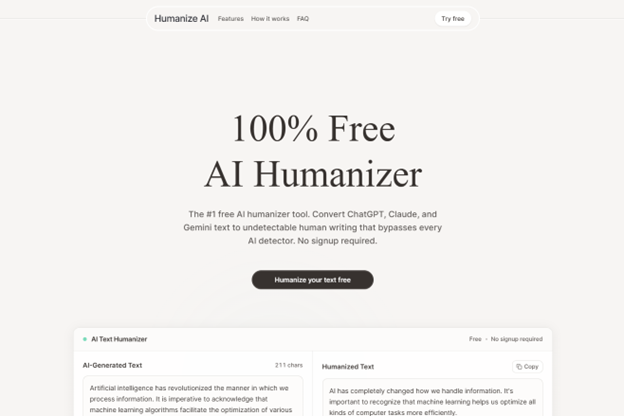
HumanizeAI is a no-frills free tool that punches above its weight. You can humanize up to 500 words three times per day without creating an account, which makes it a solid option for writers who just need to clean up a few short script segments quickly.
It won’t replace a full-featured platform for heavy workloads, but for quick passes on intros, transitions, or summary sections of a course module, it does the job cleanly.
- Best for: Writers on a tight budget, quick one-off rewrites
- Free plan: Yes, no account required
- Website:tech
3. Grammarly AI Humanizer: Best for Writers Already Using Grammarly
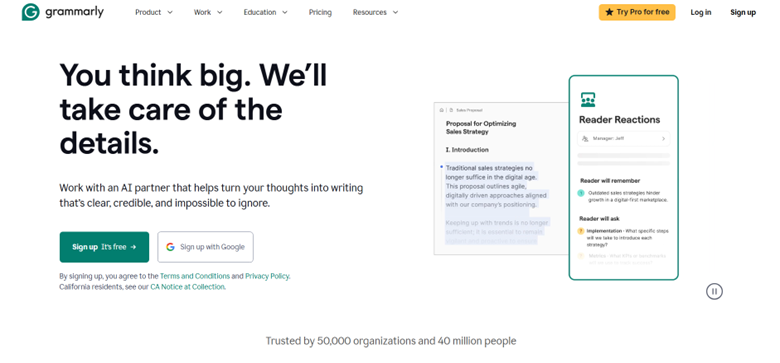
Grammarly’s AI Humanizer is a natural addition for anyone who already uses Grammarly as their grammar-checking or style-editing tool. It can easily be incorporated into your current workflow.
Grammarly’s humanizing results are strong when you’re working with professional and semi-professional writing. For example, if you’re creating eLearning scripts that tend to be more formal, like compliance training or technical certification modules, Grammarly’s humanizing output typically fits very well. For conversational, learner-facing narration where the warmth of the narrator matters more than correctness, Grammarly’s humanizing output may not be as effective.
- Best for: Writers with existing Grammarly subscriptions, compliance and technical course content
- Free plan: Limited
- Website:com
4. Ahrefs AI Humanizer: Best for Content Teams Bridging SEO and eLearning

Ahrefs’ AI Humanizer is part of an overall suite of Ahrefs writing tools, including a paraphraser and AI detector, that can be useful to content creation teams producing both instructional and SEO-related content. Having everything under one roof makes things easier.
Ahrefs’ AI Humanizer produces readable and clean output. While it doesn’t aggressively restructure text the way Walter Writes does, it produces consistent results and could be worth considering, especially if your team is already using Ahrefs for SEO work.
- Best for: Content marketing teams that also produce educational material
- Free plan: Yes
- Website:com
5. Surfer SEO Humanizer: Best for SEO-Integrated eLearning Content
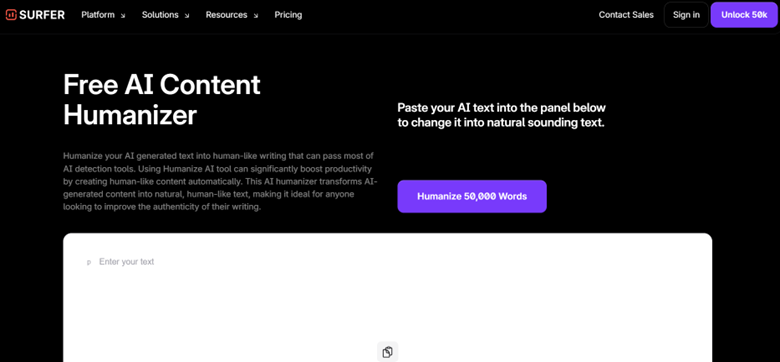
Surfer SEO’s humanizer sits in an interesting position. Surfer SEO was built to assist writers creating content for search. The quality of humanization with Surfer is good enough for a writer who creates scripts and also uses those scripts for a public-facing course page.
If you’re creating eLearning content that can also be used for SEO purposes, or if you’re creating course descriptions, landing pages, and scripts, Surfer lets you do all of this within one workflow.
- Best for: Course creators and content marketers working in the same pipeline
- Free plan: Limited trial
- Website:com
6. Writesonic Humanizer: Best for Teams in the Writesonic Ecosystem
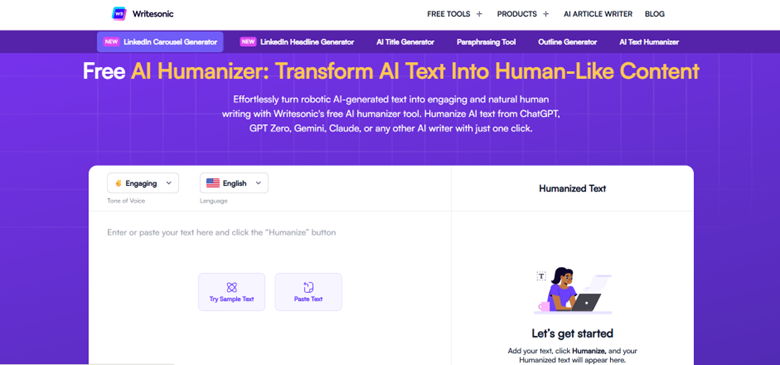
Writesonic has an AI humanizing feature within its platform, which also includes AI writing, blog generation, and content repurposing. If your eLearning team uses Writesonic for any of these features, the humanizer fits naturally into your workflow.
The output quality is solid and works well for light AI assistance on scripted content.
- Best for: Teams already using Writesonic for content production
- Free plan: Yes (within Writesonic’s free tier)
- Website:com
7. Jasper Paraphraser: Best for Enterprise Content Operations
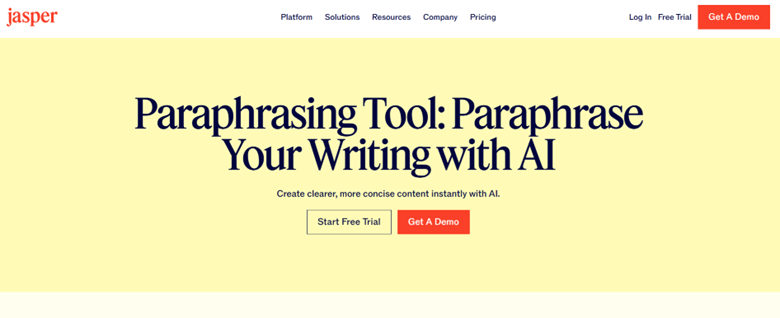
Jasper’s paraphrasing tool does a good job of humanizing content for teams operating at enterprise scale.
Jasper is built for large content teams dealing with brand guidelines, approval workflows, and more on a daily basis. For eLearning teams inside large organizations, like corporate universities or enterprise L&D departments, Jasper works well with most existing content governance systems.
The output is polished and consistent with brand requirements, though it requires more manual fine-tuning to reproduce casual or conversational script tones.
- Best for: Enterprise L&D teams with structured content workflows
- Free plan: No
- Website:ai
8. Quillbot Humanizer: Best Budget Option for Individual Writers
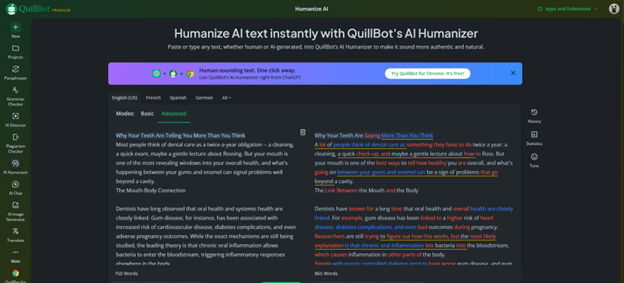
Quillbot is one of the best-known names in rewriting, and its AI Humanizer is a solid choice for eLearning writers working on a tighter budget.
The free tier works well, and the different paraphrasing modes give you some control over how much your text gets rewritten. It’s not the strongest humanizer in this comparison, but it offers good consistency and ease of use.
- Best for: Freelance instructional designers, individual course creators
- Free plan: Yes (limited)
- Website:com
How to Choose the Right Humanizer for Your Scripts
A number of things are worth considering before selecting a tool:
Determine what type of content you’ll be using the tool for and the tone associated with it. Compliance scripts require a different tone than soft skills training. Before committing, test any potential tool on at least two types of content to make sure it can handle your needs.
Test the “voice” of the tool by pasting your output into a text-to-speech program. If the resulting audio sounds choppy or unnatural, the humanizer isn’t doing its job for script use.
Review any generated instructional content for accuracy. Instructional content is highly specific. Always compare the output against your original source material to verify that no inaccuracies resulted from the tool’s rewording.
Consider the volume of usage you anticipate. A free tool that generates 500 words three times a day is fine for occasional use. If you’re scripting 10 modules per month, you’ll need a tool with a much larger limit.
Things to Know Before You Use These Tools
AI humanizers can improve the readability of your scripts significantly, but they don’t solve every problem.
Content disclosure policies vary by client and organization. Some L&D buyers have explicit policies about AI-assisted content. Humanizing a script doesn’t change the fact that AI helped generate it, and in some professional contexts, that matters.
There’s also a skill question. The more you lean on AI to draft and humanize, the less practice you get writing from scratch. That matters when a client gives you a tight turnaround and no AI access.
On the copyright side, the status of AI-generated and humanized content is still unclear in many jurisdictions. For commercial course content, it’s worth checking with whoever owns the IP.
Use these tools as a production accelerator, not a replacement for your own editorial judgment.
Questions Worth Asking Before You Subscribe
- Does the tool have a word limit per run, and what happens when you exceed it?
- Can you adjust the output tone, or is it fixed?
- Is submitted text stored or used for model training?
- Does the platform offer a detector alongside the humanizer?
- Is there API access if you want to integrate it into a content pipeline?
Things People Ask
Does an AI humanizer really improve text-to-speech narration? It can. Just make sure you choose one that varies sentence length and rhythm. Simply changing word choices won’t make it sound like a human wrote it. Run everything through a TTS reader before giving final approval.
Will an AI humanizer help my script get past all AI detectors? The better humanizers should be able to do so fairly reliably. Walter Writes AI is particularly good at this. No single tool can guarantee 100% success against all AI detectors.
Can I use these AI humanizers for creating multilingual course scripts? Yes. Walter Writes AI supports over 80 languages and automatically detects which language was used. Most other options support at least the primary European and Asian languages.
Are there any truly free options that are worth using? AI Humanizer at aihumanizer.so is the top-rated free humanizer. It lets you humanize up to 500 words per day, three times a week, and doesn’t require an account.
After running the humanizer, how much will I still need to edit? Expect to do some light editing at minimum. Humanizers greatly improve upon the baseline, but they don’t replace the human editor. You’ll still need to check for pacing issues, student call-out sections, and instructional cues.
How does a humanizer differ from a paraphraser? A paraphraser changes the wording of your sentences, whereas a humanizer goes further. It changes the pattern of your writing, including tone, rhythm, and overall linguistics, to reduce AI detectability and increase naturalness. The top-rated humanizers also have paraphrasing capabilities built in.
One thought on “Best AI Humanizers for eLearning Script Writers”
Pingback: Deepfake Maker AI Clothes Changer: Solve What Should I Wear in Seconds with AI - Learn Laugh Speak